

Frontend Developer 💻 | Fueled by curiosity and Tea ☕ | Always learning and exploring new technologies.
In the Seven Kingdoms of JavaScript, keeping track of your allies and enemies one by one is a recipe for defeat. To win the Iron Throne, you need a Battalion and that is exactly what an Array is.
Imagine you are a Commander in the North. If you have five soldiers but no formation, you have to call each one by their specific name to give an order.
let soldier1 = "Jon";
let soldier2 = "Sam";
let soldier3 = "Edd";
If your army grows to 10,000, you'll run out of names before the first arrow is fired. You need them in a single, organized line.
Here comes Arrays as programming Data Structure concepts.
In the world of programming, different languages have different names for the same concept storing a collection of items. In Python, they are called Lists, in Java or C++, they are strictly Arrays and in JavaScript, we call them Arrays, but they behave with the flexibility of Python lists.
Regardless of the name, the logic remains the same it is an ordered collection of data stored in a single variable.
How to Create an Array in JS
The simplest and most commonly used way is,
const arr = [1, 2, 3, 4]
Why i am saying that, because after understand about array will go through varies way to create array.
How to access value of array
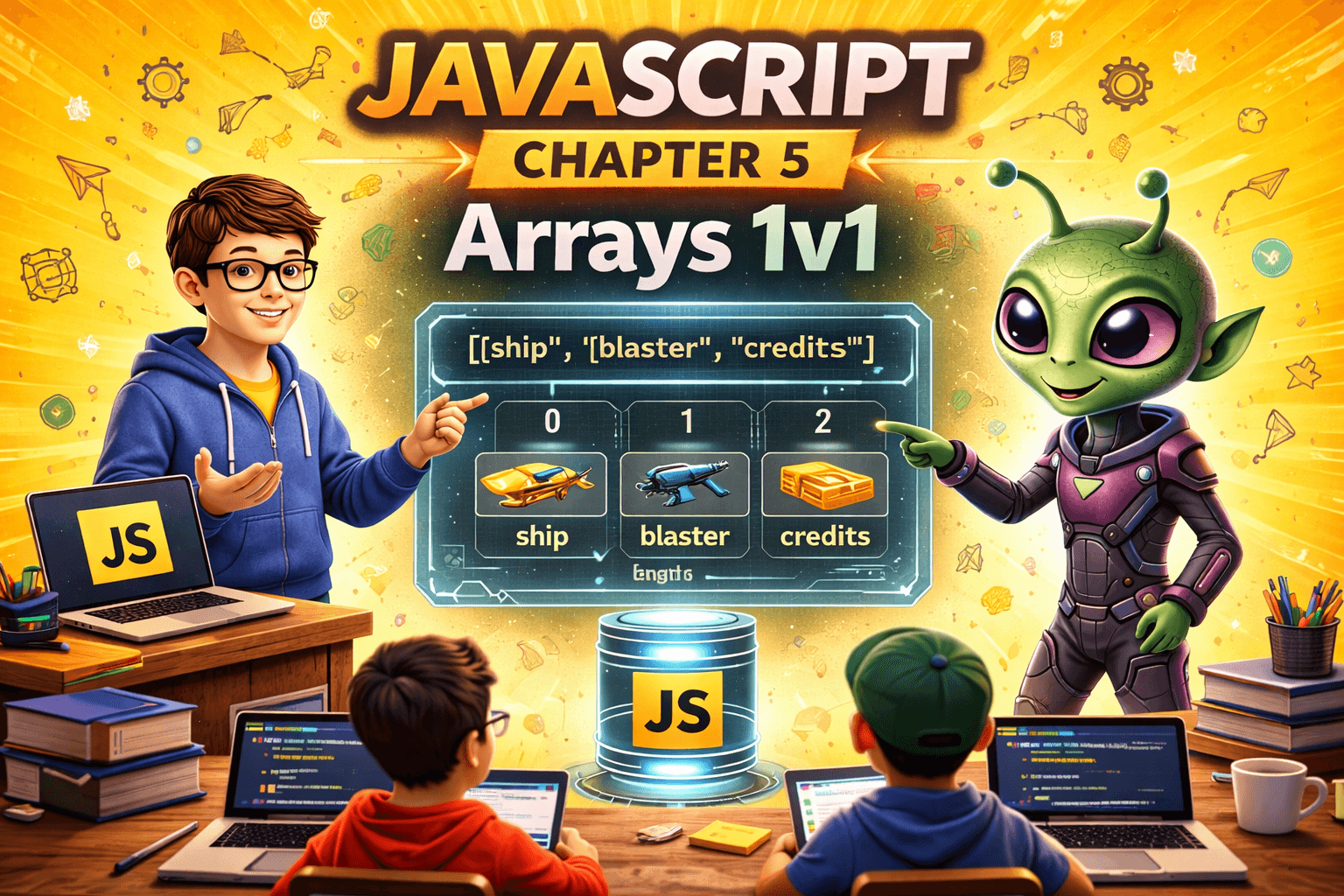
Every item in an array has a specific "address" called an Index.
1st rule of Computers start counting from 0.
The first value is at index
0.The second value is at index
1.
const arr = [1, 2, 3, 4]

console.log(arr[0]); // Output: 1
console.log(arr[2]); // Output: 3
Updating Elements of Array
If you decide you no longer like a movie, you can swap it out. You simply target the index and assign a new value.
arr[2] = 10;

console.log(arr); // [1,2,10,4]

That's all about array you will learn about array methods in next article.
"In computer science, there are only two hard things: cache invalidation and naming things."
— Phil Karlton
Let's Connect! 🚀
I’m currently deep-diving into the JavaScript, building projects and exploring the internals of the web. If you're on a similar journey or just love talking about JavaScript, let’s stay in touch!
Connect on LinkedIn: Satpalsinh's Profile
Follow my Blog: blogs.satpal.cloud
Keep coding and keep building.