

The Node.js Event Loop Explained
Lets understand the NodeJS in deep
Frontend Developer 💻 | Fueled by curiosity and Tea ☕ | Always learning and exploring new technologies.
Why does event loop exists
Node.js runs your JavaScript on a single thread. One thread means one thing executes at a time. In a traditional server, this would be catastrophic one slow database query and every user would freeze.
Traditional servers solve this by throwing more threads at the problem. A hundred users? A hundred threads. But threads aren't free. Each one consumes memory (typically 1–8MB of stack space), and most of them spend the majority of their time doing nothing useful waiting. Waiting for a database to respond. Waiting for a file to load. Waiting for an API to return. All that waiting, and all that memory, and yet no actual work is happening.
Node.js takes a different position: instead of adding more threads, use the one thread more intelligently. Never let it wait. Whenever it would have to stop and wait for something, hand that something off and go do other work. Come back when the result is ready.
The mechanism that makes "come back when it's ready" possible is the event loop.
Event Loop
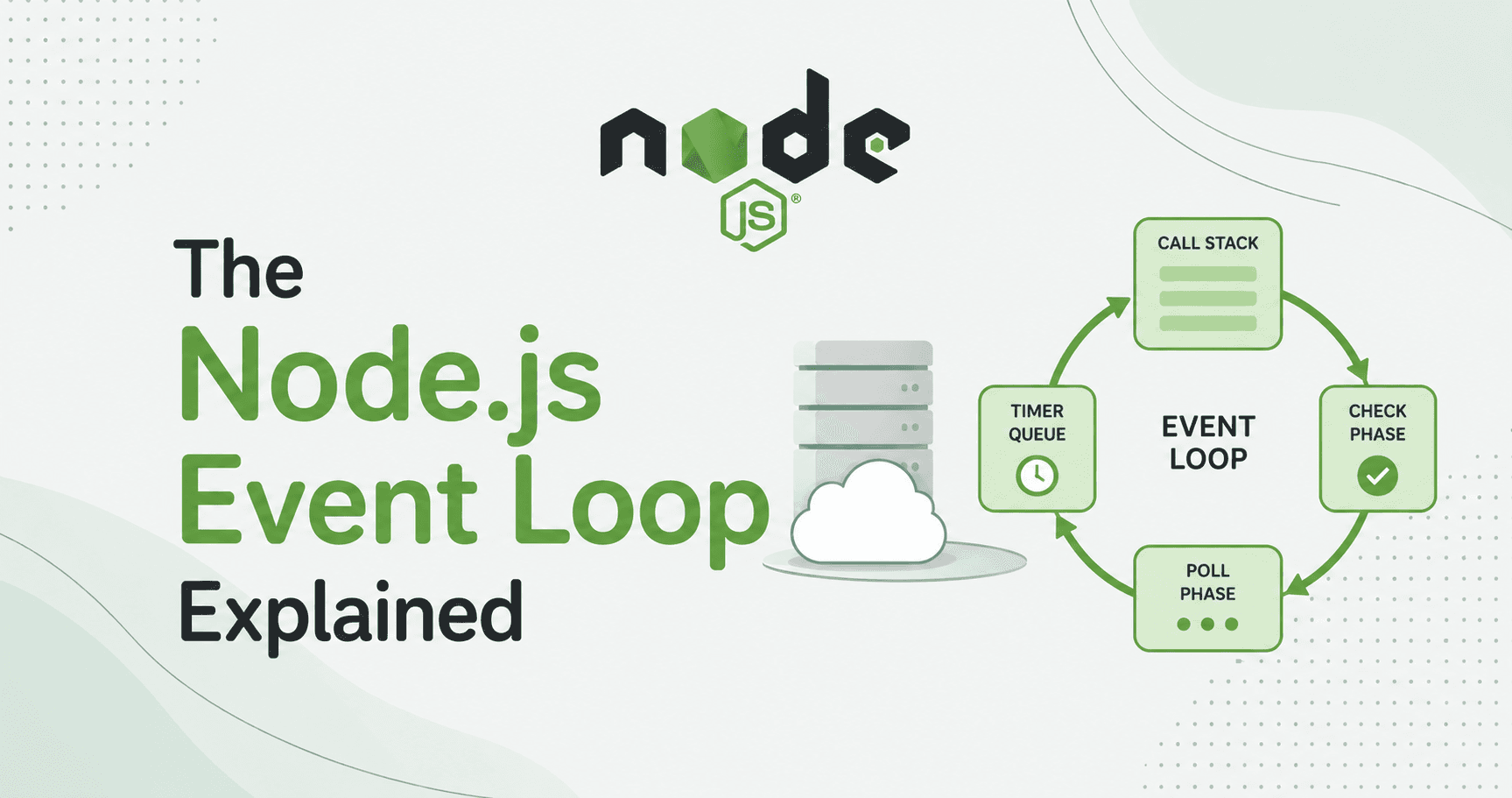
Here's the simplest mental model: the event loop is a task manager that runs in a continuous cycle.
It watches two things:
The call stack — what's currently executing
The task queue — what's finished and ready to be processed next
Its job is simple whenever the call stack is empty, take the next task from the queue and put it on the stack.
That's it. The whole mechanism boils down to that one rule. Everything else callbacks, promises, timers is just a way of getting tasks onto the queue at the right time.
The Call Stack
The call stack is where JavaScript execution happens. When you call a function, it gets pushed onto the stack. When it returns, it gets popped off.
function greet(name) {
  return `Hello, ${name}`;
}

function main() {
  const message = greet("Node.js");
  console.log(message);
}

main();

→ main() pushed onto stack
  → greet() pushed onto stack
  ← greet() returns, popped off stack
  → console.log() pushed onto stack
  ← console.log() completes, popped off stack
← main() returns, popped off stack
Stack is empty.
JavaScript can only run one thing at a time. While a function is on the stack, nothing else runs. This is why blocking code is dangerous it keeps something on the stack for a long time, preventing anything else from ever getting a turn.
The Task Queue
When you kick off an async operation a database query, a file read, a timer Node.js registers a callback for it and immediately returns. Your synchronous code keeps running. The stack keeps moving.
Meanwhile, the I/O operation is happening elsewhere (more on this below). When it completes, its result and callback don't get shoved directly onto the call stack. Instead, they get placed into the task queue a waiting line.
The event loop watches this queue. The moment the call stack is empty, it picks up the next item from the queue and pushes it onto the stack. The callback runs. Gets popped off. The event loop checks for more items. The cycle continues.
console.log("first");

setTimeout(() => {
  console.log("third");  // callback queued, runs after stack clears
}, 0);

console.log("second");

first
second
third
Even with a 0ms timer, "third" prints last. The setTimeout callback goes to the task queue. The synchronous code — console.log("second") — stays on the stack and runs first. Only after the stack is completely empty does the event loop pull the callback from the queue.
This surprises developers the first time. The timer delay is not a promise of when the callback runs. It's a minimum time before it's eligible to run. The event loop decides the actual execution time.
Timers vs I/O Callbacks
Here's something most introductory articles skip: not all async callbacks are treated equally in the task queue.
Node.js actually has multiple queues with different priorities:
Timers (setTimeout, setInterval) — checked first each cycle. A callback becomes eligible after the specified delay has passed, but runs at the start of the next loop tick once eligible.
I/O callbacks — responses from file reads, network requests, database queries. These sit in a separate pool and are processed after timers.
setImmediate — runs after I/O callbacks in the current cycle, before the next timer check. This is a uniquely Node.js feature with no browser equivalent.
process.nextTick — this one is special. It runs before the event loop moves to the next phase, no matter what. Immediately after the current operation finishes, before any I/O or timers. Developers use it to defer work until the current call stack unwinds, but still within "this tick."
setTimeout(function fun1() {
  console.log("timer")
},0);

setImmediate(function fun2() {
  console.log("immediate")
});

process.nextTick(function fun3() {
  console.log("next tick")
});

console.log("synchronous");

synchronous
nextTick
timer (or immediate — order between these two can vary)
immediate (or timer)
process.nextTick always fires before any I/O or timers, even before setImmediate. This makes it useful for ensuring something happens after the current operation but before any async work. Use it carefully stacking too many nextTick calls can starve the I/O queue.
Delegating to Background Workers
Here's the part the "single-threaded" framing obscures: when Node.js delegates I/O work, that work doesn't vanish into thin air. It goes to libuv — the C library underneath Node.js that provides the event loop and a worker thread pool.
When you call fs.readFile(), Node hands the actual disk read to libuv. Libuv's thread pool (4 threads by default) handles the operation. When it finishes, libuv places the callback on the event loop's I/O queue. The event loop picks it up and runs your callback on the JavaScript thread.
Your JavaScript never sees the worker threads. From your perspective, you called a function, moved on, and later your callback ran with the result. The multi-threading is invisible.
This is why Node.js can claim to be "single-threaded" while also doing actual parallel I/O work. The single thread is your thread the JavaScript execution context. The libuv thread pool is infrastructure, below the JS layer.
The developers who truly understand the event loop don't just write async code they write async code that keeps the loop running smoothly. That's the difference between a Node.js server that handles 10,000 concurrent connections and one that mysteriously crawls under load.
I’m currently deep-diving into the JavaScript, building projects and exploring the internals of the web. If you're on a similar journey or just love talking about JavaScript, let’s stay in touch!
Connect on LinkedIn: Satpalsinh's Profile
Follow my Blog: blogs.satpal.cloud
Keep coding and keep building.